
6 Mistakes Killing Your Cartoon Drive-By Video Views
The most common reasons Cartoon Drive-By videos come back generic, and the specific fix for each one.
Aug 21, 2026 · 5 min read · Content Strategy
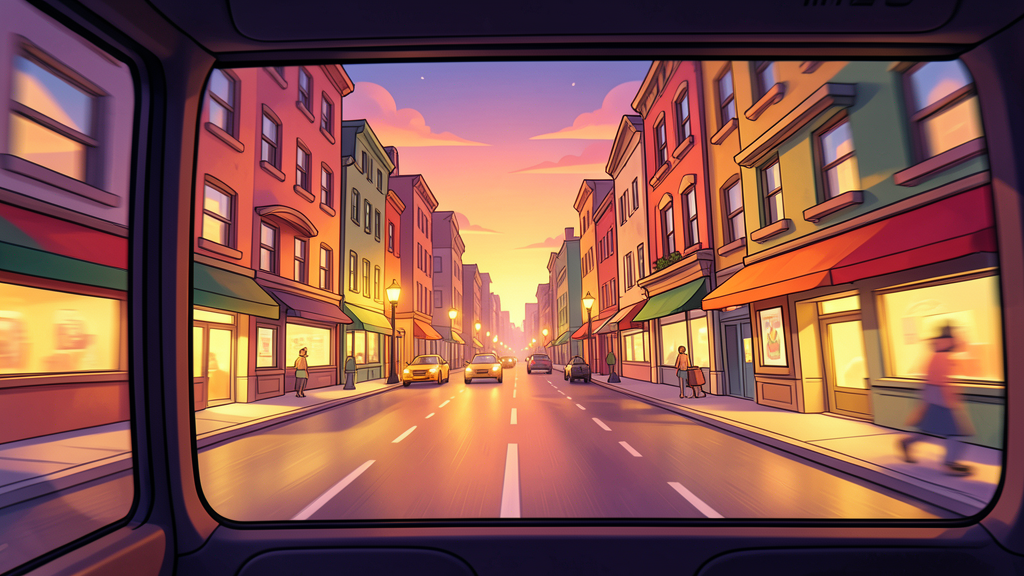
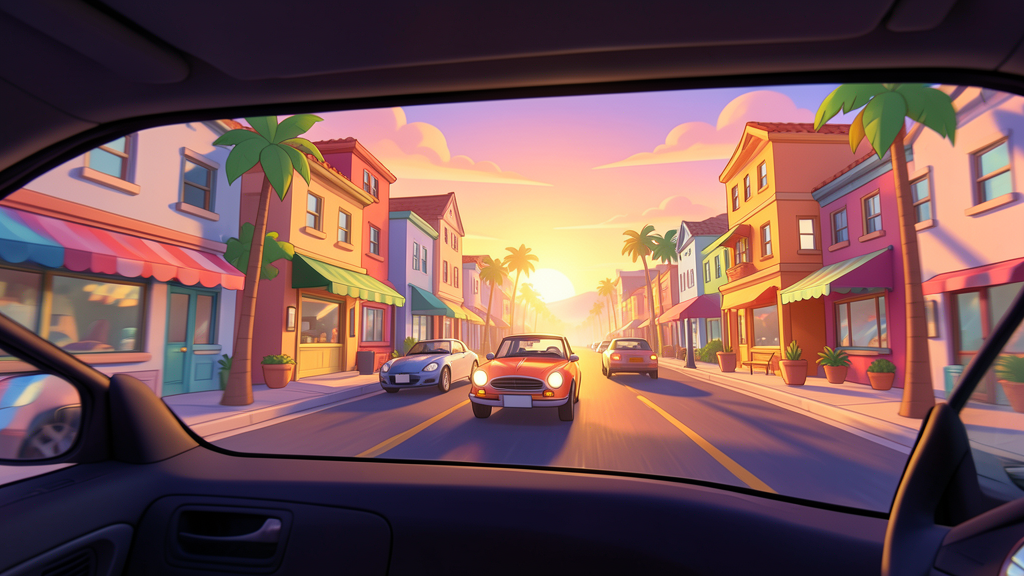
Cartoon Drive-By results depend heavily on how specific your prompt is — vehicle, destination, and mood all shape the final result. Here's what usually goes wrong.
Not naming a vehicle viewpoint
Problem: Leaving the vehicle unspecified means the generator defaults to a standard car view every time, even when a different viewpoint would suit the destination better.
Fix: Always specify car, train, bus, or plane — each one produces a genuinely different framing and motion feel.
Describing a destination too vaguely
Problem: "A cool city" or "a nice town" gives the generator nothing distinct to render, resulting in a generic street that doesn't stand out.
Fix: Describe specific, vivid details — architecture style, color palette, time of day — the same way you'd describe a movie set.
Ignoring the mood setting
Problem: Skipping a mood description leaves lighting and atmosphere inconsistent between generations.
Fix: Name a mood explicitly — golden dusk, rainy night, bright midday — to keep the lighting intentional.
Picking a mismatched vehicle for the destination
Problem: A plane viewpoint for a narrow alleyway, or a train viewpoint for open ocean, breaks the internal logic of the scene.
Fix: Match the vehicle to a destination that makes sense for it — trains for rail-adjacent routes, planes for wide aerial views.
Posting only one destination style repeatedly
Problem: A feed of visually similar drive-bys loses the novelty that makes any single one worth watching.
Fix: Rotate between genuinely different destination styles — a cozy town, a neon city, a coastal road — across a posting series.
Underusing the parallax motion
Problem: A destination without varied depth (foreground buildings, midground street activity, background skyline) doesn't showcase the format's signature parallax effect.
Fix: Describe a scene with clear foreground, midground, and background elements so the motion has real depth to work with.
Fix Your Next Drive-By
Apply these fixes to your next generation, or start from a proven idea in 15 Cartoon Drive-By video ideas.
Open Cartoon Drive-By →Related Articles
How to Turn One Cartoon Drive-By Video Into a Series
A themed destination lineup turns one drive-by into a series people follow.
21.08.2026
What Is a Cartoon Drive-By Video? (And How to Make One)
Why the format works, what makes the parallax motion feel real, and how to generate one in Zyvo.
11.08.2026
15 Cartoon Drive-By Video Ideas (With Prompts You Can Copy)
Fifteen fictional destinations across car, train, bus, and plane viewpoints.
11.08.2026
What Is Zyvo? The AI Content Creation Platform Explained
Every Zyvo tool in one place, and how they fit together.
20.08.2026


